
20/10/2026 12:14
Built Room or AI Concept? YouTube Disclosure for Cambodian Interior Studios

A convincing room visual can start the wrong conversation. Someone watching a Cambodian interior studio’s YouTube video may assume the cabinets have been installed, the furniture is available, and the finished room belongs to a customer. If the scene is an AI-generated proposal, those assumptions can turn an enquiry into a misunderstanding. The useful promotional question is therefore more specific than whether the image looks attractive: can a viewer tell what exists today, what is proposed, and what still needs checking? This workflow helps studios explain that distinction before sharing a video or considering an SMM-panel service. It combines practical content review with YouTube’s disclosure requirements and a clear boundary between engagement counts and evidence of business interest.
1. Choose the promise before choosing the visuals
Give the video one purpose. It might introduce a possible layout for a narrow shophouse living room, compare two cabinet finishes, or explain the information needed before a consultation. A concept video should promise an explanation of an idea. A completed-project video should document work that actually happened. Mixing these purposes without explanation makes even accurate individual images misleading in combination.
Consider a hypothetical Phnom Penh studio preparing a video about storage near a staircase. Its useful promise is to show one possible arrangement and explain the measurements required. It should avoid presenting the imagined cabinets as a recent installation. Write the promise at the top of the editing brief, then check the opening scene, narration, thumbnail, and closing invitation against it. Anything that suggests a stronger claim needs revision.
2. Identify the origin of every room image
Before editing, sort the material into actual site footage, drawings or models, and generated or substantially altered scenes. Add a short note for each file explaining where it came from and what changed. For a customer-supplied photograph, record whether the studio has permission to use it publicly. A room can reveal family photographs, documents, or identifying details that are irrelevant to the design explanation.
Keep the original room photograph alongside any edited version. This lets the reviewer notice when a generator has removed a column, widened a doorway, or invented a window. Those changes affect the apparent feasibility of the proposal. Ask the person who created the visual to identify changes explicitly; the editor should not have to infer its history from appearance. If its origin remains uncertain, replace it with material the team can explain.
3. Apply YouTube’s disclosure test
YouTube requires disclosure of realistic AI-generated or altered content, including generated scenes that did not occur and alterations to footage of real places. Minor aesthetic changes and clearly unrealistic content are treated differently. Applying that guidance to this scenario, a photorealistic AI transformation of an unfinished room into a furnished interior should be treated as requiring disclosure. That application is an editorial interpretation of the platform’s examples. See [YouTube’s disclosure guidance](https://support.google.com/youtube/answer/14328491?hl=en).
During upload, review the AI use setting in YouTube Studio; the current guidance places it under Attributes. Select the response that matches the actual content. Separately, explain whether the design is proposed or built. The platform setting describes how media was made, while your explanation tells a prospective customer what the studio has actually delivered.
4. Write an explanation that answers the customer’s question
Use direct language wherever the concept first appears. An illustrative line is: “AI-generated room concept; this arrangement has not been installed.” Follow it with the practical uncertainty: “Cabinet dimensions and material availability require confirmation.” This is more useful than an isolated AI symbol because it explains the consequence for someone considering a purchase. Keep the wording visible long enough to read without pausing.
For a Khmer-speaking audience, have a fluent colleague prepare and review the Khmer explanation. If the video also addresses English-speaking customers, keep both versions equivalent. Avoid translating a modest proposal into a confident installation claim. Repeat the distinction in narration when appropriate, and carry it into the description. A person who watches without sound and a person who only hears the narration should both understand the status of the room.
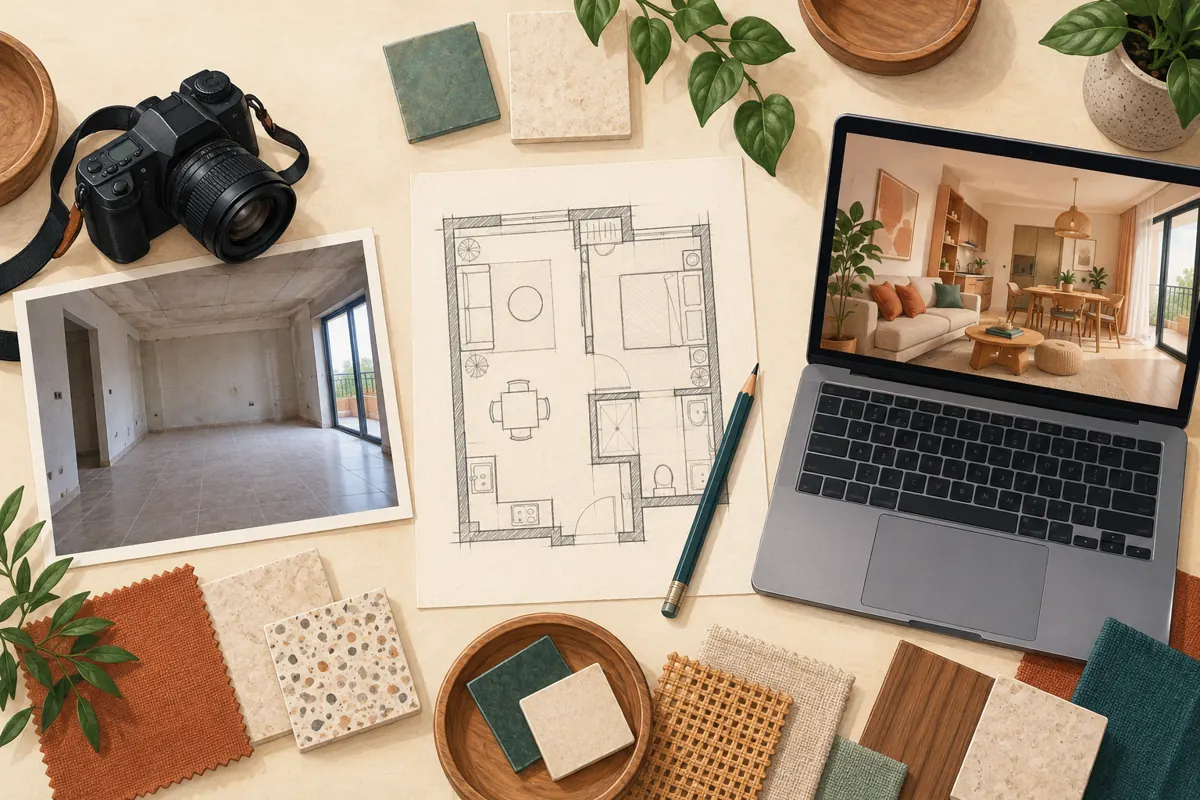
5. Build the video around decisions, not a magical transformation
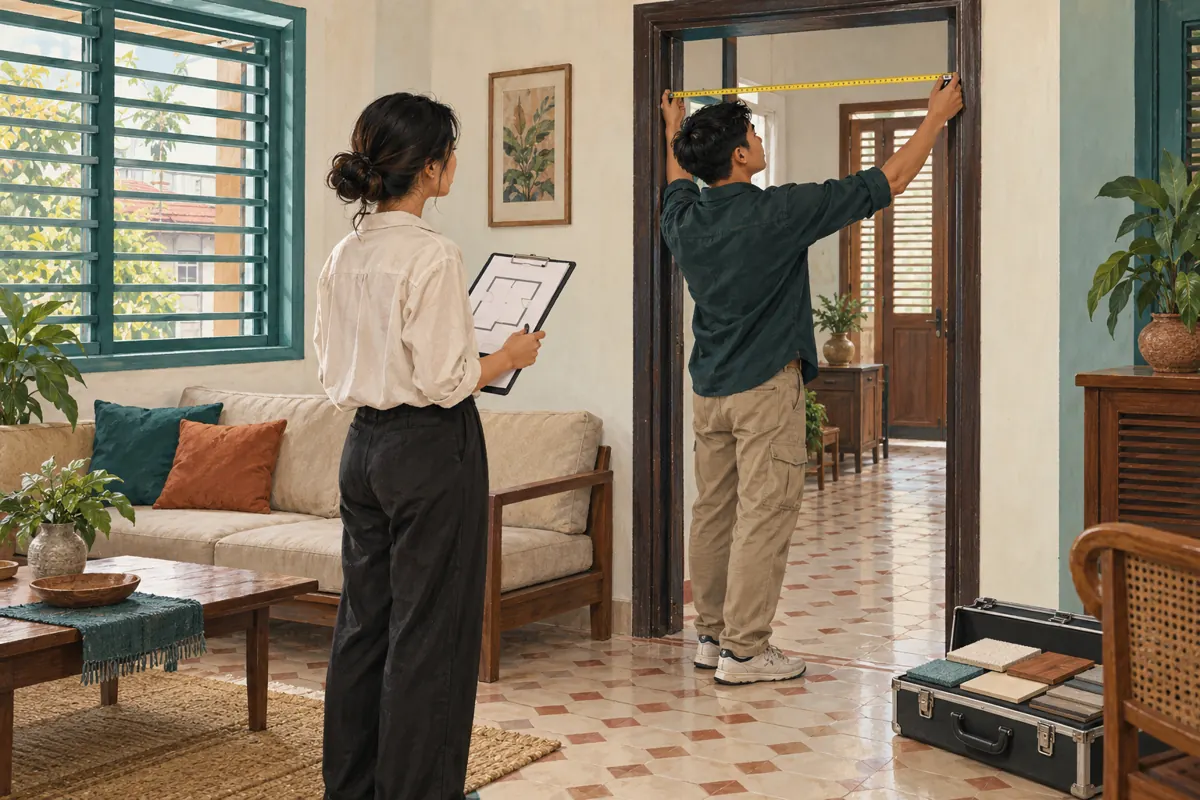
A useful sequence begins with the actual constraint, introduces the proposed arrangement, and ends with what must be verified. In the hypothetical staircase example, show the available corner first. Then explain the proposed storage layout. Finish by discussing door clearance, access to the stairs, and the measurements needed before preparing a detailed proposal. The visual becomes a conversation aid rather than a substitute for a survey.
Avoid a rapid unfinished-to-furnished transition that resembles documentation of completed work. If that transition helps explain the idea, identify the second scene as a concept at the moment it appears. Do not rely on an explanation that arrives only after the attractive reveal. Also avoid adding fictional occupants, fabricated customer reactions, or invented project histories. None is necessary to demonstrate the studio’s reasoning.
6. Check what the image implies about products and feasibility
Review every prominent object as if a customer might ask to order it. Is the pictured sofa a supplied product, a reference shape, or an invented object? Does the cabinet finish correspond to a sample the studio can obtain? If the answers are uncertain, describe the image as a direction for discussion and offer real samples during the next step. Do not attach a firm package price to unspecified generated contents.
Inspect practical details separately from visual appeal. Check whether doors can open, furniture blocks circulation, handles change between shots, and lighting appears to come from nonexistent fixtures. These are editorial checks, not technical approval of a design. Any proposal that depends on construction changes needs the appropriate site assessment. Removing an impossible detail before promotion prevents the sales team from spending time explaining an image it cannot substantiate.
7. Review the thumbnail and the mobile viewing experience
A careful video can still be undermined by a misleading thumbnail. Avoid completed-project language when the featured room is only proposed. Choose a title that names the design problem and the concept status, such as an illustrative “Storage Concept for a Narrow Living Room.” If a real room and a generated room appear together, make their different roles clear rather than implying a documented renovation.
Ask a colleague who did not edit the video to watch it on a phone. Then ask what they believe was built, what is available to buy, and what the studio wants viewers to do next. Their answers reveal misunderstandings more reliably than asking whether the video looks good. YouTube announced more prominent AI labels in May 2026, but the studio should still provide useful project context within its own content. See [YouTube’s label update](https://blog.google/intl/en-in/products/platforms/improving-ai-labels-for-viewers-and-creators/).

8. Make an SMM-panel decision only after checking the method
The supplied catalogue includes the exact title “YouTube - Views ~ 𝗥𝗘𝗙𝗜𝗟𝗟 30D ~ 5k-20k/days ~ [ 𝐒𝐨𝐮𝐫𝐜𝐞: External ]”. Its description is empty. The title alone does not establish how traffic is obtained, who watches, whether viewers are in Cambodia, or whether the method complies with YouTube’s rules. Treat its embedded claims as catalogue wording, not independently verified delivery terms.
YouTube prohibits artificial increases in engagement and warns that a hired promoter’s actions can affect the channel. Ask how any proposed promotion reaches willing viewers; decline methods that artificially inflate metrics. If the method cannot be assessed, leave the order unplaced. Disclosure of AI content does not resolve an engagement-policy problem. See [YouTube’s fake engagement policy](https://support.google.com/youtube/answer/3399767?hl=en).
Purchased engagement is not evidence of genuine interest, sales, advertising delivery, or Cambodian users. A panel order record also cannot establish that viewers understood the concept. Allocate effort first to a clear explanation, relevant distribution, and a manageable enquiry process.
9. Offer a next step suited to a proposal
Invite viewers to discuss their room rather than order the pictured result immediately. Request the room’s intended use, approximate dimensions, relevant access constraints, and preferred consultation language through an appropriate private contact route. Explain that an initial conversation does not confirm feasibility or a final quote. Public comments should not become a collection point for home addresses or private floor plans.
In a hypothetical Siem Reap studio workflow, an interested viewer asks whether the concept fits a rental apartment. The first useful response checks the available space and whether alterations are permitted. The studio can then suggest a consultation or a simpler furniture arrangement. This is a better business outcome than obtaining enthusiastic reactions from people who mistakenly believe the room is an available showroom package.
10. Review understanding before repeating the campaign
Keep a short record of the questions that arrive. Separate requests about layout, materials, consultation, and project status. If several people ask where they can visit the finished room, revisit the concept explanation. If they understand that it is proposed but ask useful questions about measurements, the video is supporting a more informed conversation. Neither observation requires turning every reaction into a sales lead.
Common mistakes include hiding the explanation at the end, using completed-project language in a thumbnail, assuming an AI label confirms product availability, and interpreting a larger view count as local demand. Correct the specific misunderstanding before distributing the video again. Keep notes on which version was shared and when, so later enquiries can be interpreted in context rather than attributed automatically to a particular promotional action.
Frequently asked questions
Does every use of AI in video preparation require disclosure?
No. YouTube distinguishes realistic generated or meaningfully altered content from minor edits and production assistance, such as help with an outline. Judge the finished media against the current guidance linked above. For the studio’s own communication, also consider whether viewers could mistake a proposal for completed work, regardless of how the image was produced.
Is writing “concept” in the description enough?
It may leave the main misunderstanding unresolved. A viewer can encounter the thumbnail or opening scene without reading the description. Identify the proposal when it appears, and explain the remaining practical checks. Complete any required platform disclosure separately; a description note should not be treated as a replacement for the upload setting.
Can real site footage and AI concepts appear in the same video?
Yes, they can serve a useful explanatory purpose when their roles are clear. Mark the transition, preserve the distinction in narration, and avoid suggesting that construction happened between the scenes. Keep the original footage available for internal review so the team can identify changes that affect the proposal.
Should a studio remove a concept video if customers misunderstand it?
First identify the source of confusion. A vague title may need revision, while a misleading visual sequence may require a newly edited version. Pause further promotion while reviewing a material misunderstanding. Respond to affected enquiries clearly, explaining what is proposed and what exists, without treating customer confusion as a failure to read carefully.
What should count as a useful enquiry from this campaign?
An enquiry is useful when it moves the discussion toward an appropriate next step: room measurements, a material review, a consultation, or clarification of the service offered. Record those actions separately from views and reactions. Even a detailed enquiry is not a confirmed sale until the customer and studio agree on the actual work.
Explore the current service catalogue, create an account, or ask a specific question through support tickets.
- YouTube Help: Disclosing use of GenAI content
- YouTube Team: Improving AI labels for viewers and creators
- YouTube Help: Fake engagement policy
Prepared with AI assistance. Illustrations explain the workflow and do not represent customer results.