
19/10/2026 06:56
Can Tomorrow’s Menu Go Live Automatically? A Telegram Workflow for Cambodian Lunch Kitchens
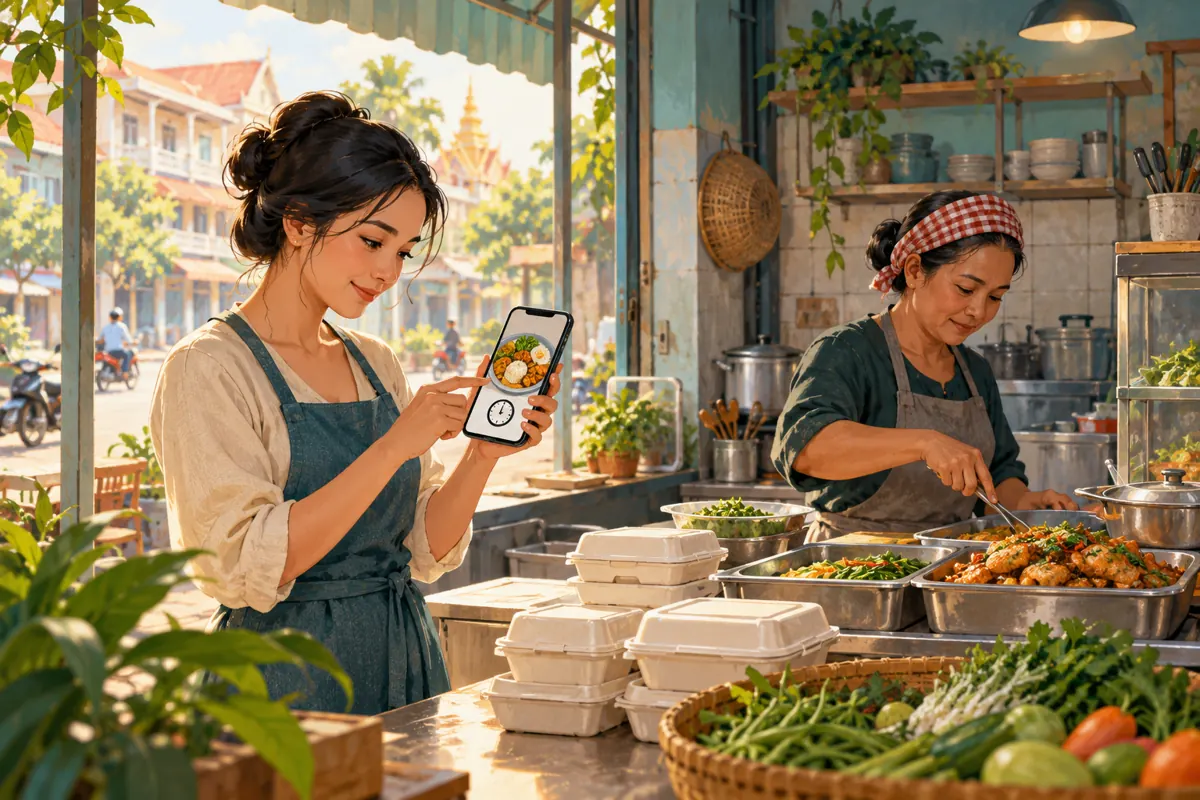
Scheduling a lunch menu can save a Cambodian kitchen owner from typing while preparing food. It can also announce a dish whose ingredients never arrived. The useful question is therefore not simply how to schedule a Telegram message, but which information is reliable enough to send later. This workflow helps a small kitchen prepare its announcement, verify the offer and handle customer enquiries after publication. It also explains why a Telegram view service cannot confirm menu demand. The kitchen and operating times used below are hypothetical examples, not customer results or recommended posting benchmarks.
1. Start with the decision a hungry customer needs to make
Imagine a hypothetical lunch kitchen in Phnom Penh serving nearby workers. Its Telegram subscribers need to know what they can order, what the meal includes, when collection is possible and how the kitchen confirms a reservation. A beautiful food photograph answers only part of that question. Before preparing tomorrow’s post, write down the specific action you want: a customer requests an available dish for a stated collection window and receives confirmation from the shop.
Separate a menu announcement from an accepted order. Seeing a post, reacting to it or asking whether a dish is spicy does not reserve lunch. Explain when a request becomes confirmed, using the kitchen’s actual process. This matters when one staff member answers messages while another serves walk-in customers. Both must work from the same availability information, otherwise the promotion can create promises the counter cannot fulfil.
2. Divide tomorrow’s announcement into stable and changeable details
Prepare stable information in advance: the shop’s name, collection directions, ordering contact and usual explanation of the reservation process. Treat dishes, portion options, prices, included sides and delivery availability as details requiring a fresh check. Even a regular menu can change when an ingredient is unavailable or the person handling deliveries cannot work. Mark those details in your private draft so that copying yesterday’s message does not silently approve them.
Use a simple working note with three entries: the proposed offer, who can verify it and when verification will happen. For example, the cook verifies the dish and side, while the counter worker checks the collection window. If a fact remains uncertain, remove that promise or keep the announcement unscheduled. A sentence saying availability will be confirmed in chat helps explain the ordering process, but it should not excuse advertising a dish you already know is unavailable.
3. Use Telegram scheduling only after deciding what can safely wait
Telegram’s official scheduling guide explains that holding the Send button opens an option to schedule a message for a future time. Scheduling also works in Saved Messages, where it can serve as a personal reminder. Check the controls in the app you actually use before relying on them during a busy morning. Practise with a harmless reminder first, rather than making a live customer announcement your first attempt.
Choose between two approaches. If tomorrow’s offer is already confirmed, prepare the channel post and schedule its release. If essential details depend on morning supplies, save the draft and schedule a private reminder to check it instead. Telegram scheduling does not perform that business check for you. The second approach still reduces morning writing because the structure and photograph are ready; it simply leaves the publication decision with someone who can see the kitchen.
4. Write a menu that remains understandable when forwarded
Give the announcement an explicit service date, rather than relying entirely on the word “today.” Include the dish names, what each meal contains, the actual price with its currency, the ordering deadline and the collection location. If delivery is offered, state the confirmed area and explain how any charge is established. Do not put necessary conditions only inside an image: someone reading quickly should be able to find them in the accompanying message.
For a hypothetical example, the structure might read: “Lunch menu for 21 October. Chicken rice includes the listed vegetable side. Collection is available during the stated lunch window. Message our ordering contact with your dish, quantity and preferred collection time. Please wait for confirmation before travelling.” Replace every general phrase with the shop’s verified details before publishing. Use Khmer or English according to the subscribers’ needs, and check that dish names and ordering instructions remain clear in each version.
5. Put a real availability check before the scheduled release
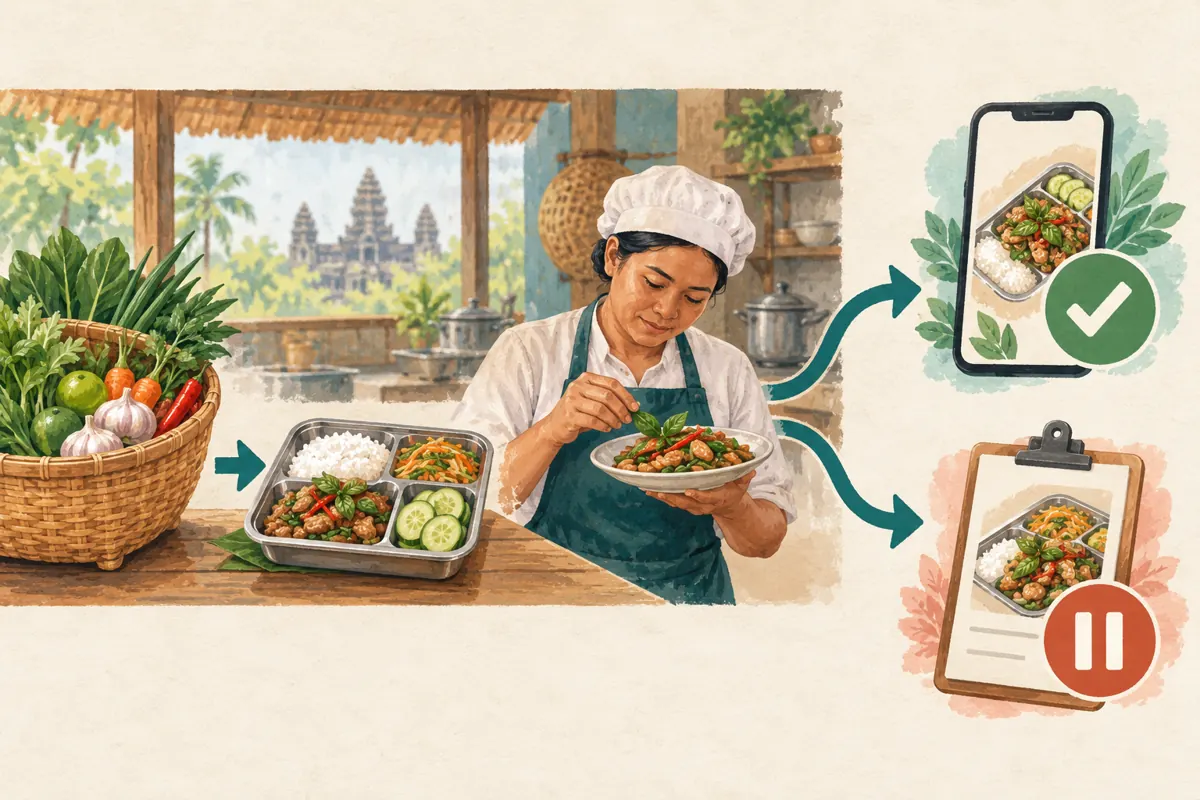
In the hypothetical kitchen, the menu is intended to appear at 9:00 a.m. Cambodia time. The owner could arrange a check at 8:30 a.m., leaving time to correct the draft. Those times illustrate a review gap, not an ideal posting schedule. The reviewer compares the announcement with the ingredients received, the meal being prepared, packaging supplies and the staff available to accept orders. A check should answer whether the advertised offer can actually be provided.
Decide the outcome explicitly: release as prepared, revise before release or hold the announcement. If the reviewer will be unavailable, do not leave an uncertain offer queued merely because the text looks finished. Check the date and time shown in the scheduling interface, especially if a staff member has recently travelled or changed devices. Keep one person responsible for the final decision so two workers do not each assume the other has checked it.
6. Inspect the published message and make the first reply useful
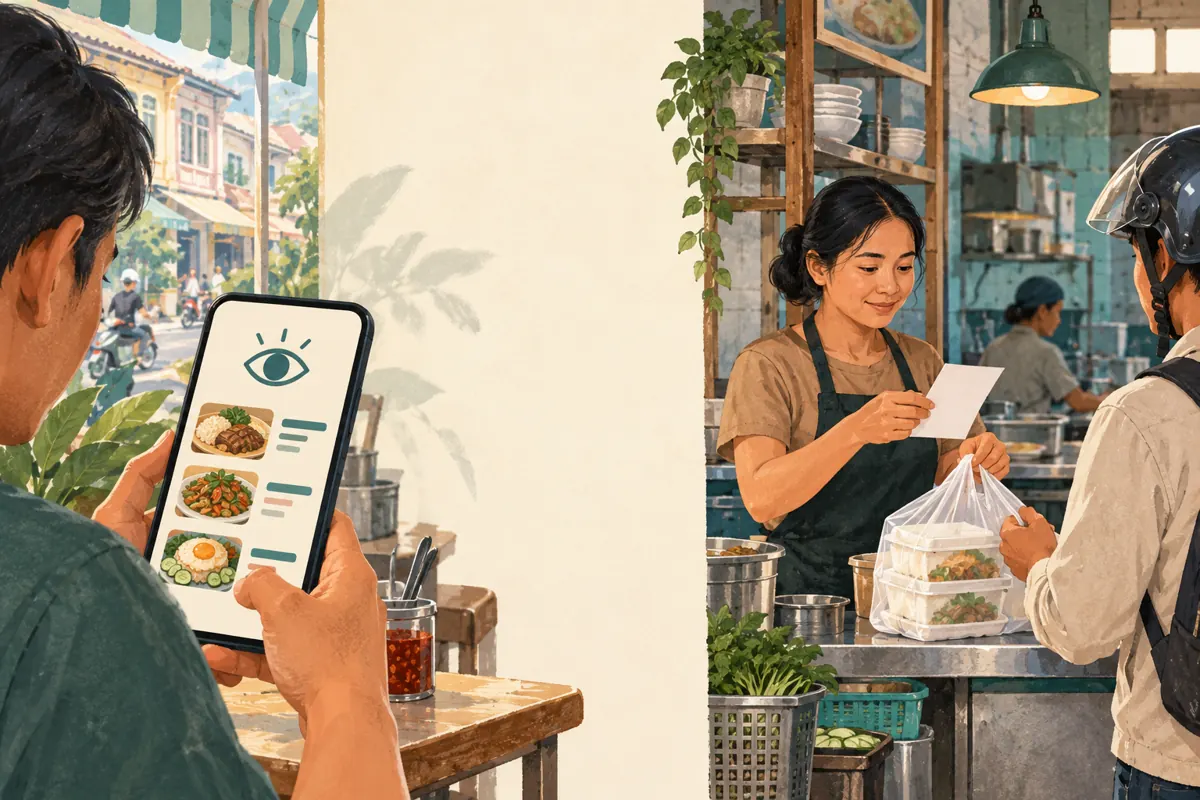
After the intended release time, open the channel and inspect the actual post. Confirm that the correct meal photograph, service date, ordering contact and availability wording appeared together. A prepared draft is not evidence that customers received the intended information. Then make sure someone is watching the ordering destination. Promoting lunch while leaving enquiries unanswered can waste the short period in which customers are deciding where to eat.
A useful reply confirms the requested dish and quantity, states whether they are available and explains the next step. Ask only for details necessary to fulfil the request. For collection, a reference and arrival window may be enough; delivery may require an address shared privately. If an item is unavailable, offer a confirmed alternative without silently substituting it. The person ordering should know what the kitchen has accepted before preparing payment or arranging transport.
7. Keep SMM view services separate from the menu schedule
One public catalogue example is “Telegram - Post Views - [ LAST 5 POST ]”. The supplied description is empty. Its title indicates a post-view offering associated with recent posts, but it does not establish scheduling functionality, Cambodian audience origin, genuine readers, purchasing intent or a guaranteed completion time. It is not evidence that the panel can publish your menu or connect its release to ingredient availability.
A reference to recent posts also raises a practical scope question. A channel may contain an older menu, collection instructions and a closure notice alongside today’s offer. Before considering such a service, obtain documented clarification of how eligible posts are selected and when that selection happens. Do not assume it targets only the menu you have in mind. If the purpose is to sell today’s lunch, purchased views cannot establish that nearby people are considering an order, and should not be presented as customer demand.
8. Promote the channel where the ordering information is useful
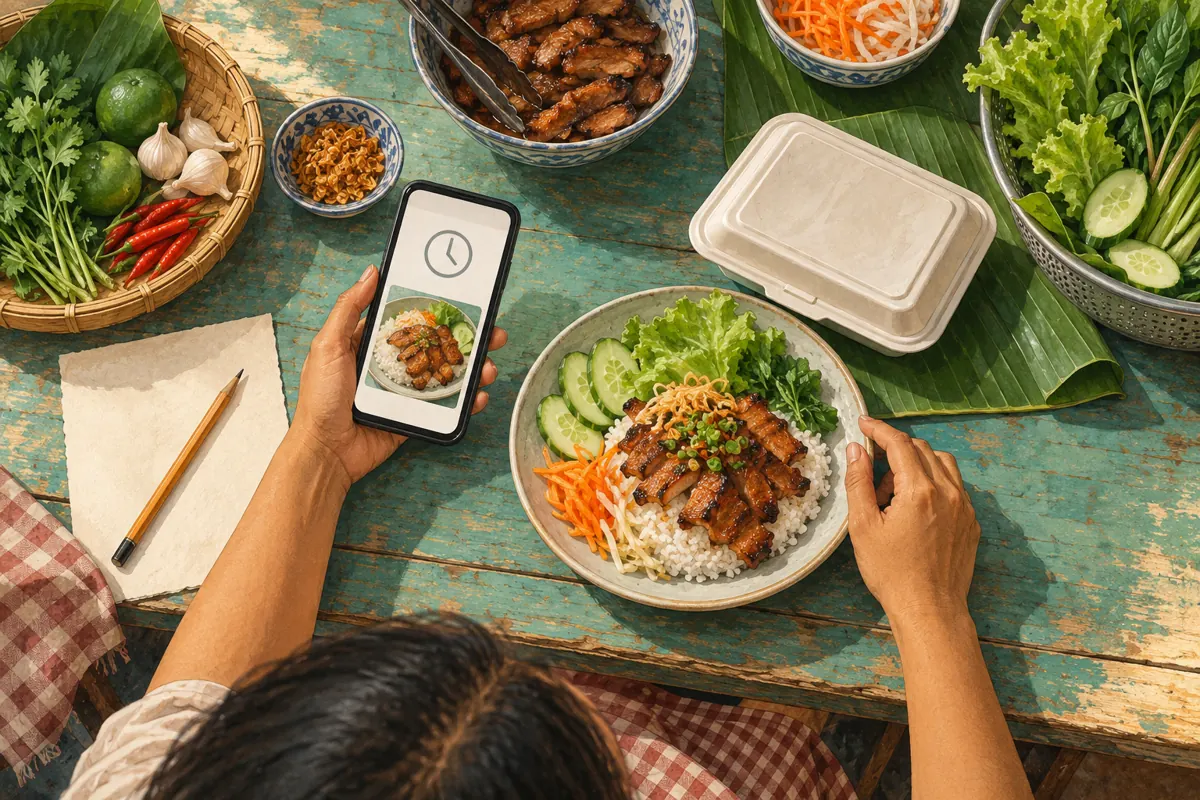
Start with people who already have a reason to follow the kitchen: customers asking for tomorrow’s menu, visitors checking collection arrangements or existing followers who want updates. Offer the channel link in appropriate places you control, such as your shop information or another business profile. Explain what subscribers will receive. A clear promise of menu updates is more useful than asking people to join without explaining the benefit.
Telegram’s Channels FAQ warns against sending unsolicited channel links to strangers. Respect that boundary when looking for local attention. For a neighbouring office or community group, ask its administrator whether a menu announcement is welcome and follow its rules. Keep the service date visible whenever sharing a menu. A person discovering an old announcement should not have to infer from the photograph whether the offer still applies.
9. Handle changes without creating a second version of lunch
If an ingredient fails the morning check, correct the queued announcement before it is released, using the controls available in your app. If you cannot confidently manage that queue, stop relying on automatic publication until you have checked the workflow. A common mistake is preparing a corrected manual post while forgetting the original scheduled message. That leaves customers with two different offers and forces staff to explain which one is current.
When a material change happens after publication, update the original message where possible and make the correction clear to readers who may already have acted. Contact affected confirmed customers directly through the existing order conversation. Do not assume an edit reaches everyone who saw an earlier version or screenshot. Explain the available option and ask for agreement. If an SMM request also exists, keep its support record separate; changing the menu does not establish that a panel order has stopped.
10. Review the workflow using enquiries and fulfilled orders
Telegram explains that channel view totals are approximate and include views of forwarded copies. They are therefore not a count of unique nearby lunch buyers. Purchased engagement adds another reason to avoid interpreting the counter as genuine interest, sales, ad delivery or Cambodian users. Keep panel delivery observations in their own record. Evaluate the kitchen’s promotion using actual enquiries, confirmed reservations, completed collections and specific problems reported by customers.
At the end of service, ask where the process became unclear. Did people misunderstand the side dish, request delivery outside the stated area or arrive before their order was confirmed? Record the issue and improve that part of the next announcement. If a customer voluntarily says they found the menu through Telegram, note that source without treating it as proof that a view service caused the sale. The most useful improvement may be clearer ordering instructions rather than a larger visible counter.
Frequently asked questions
Should a kitchen schedule an entire week of daily menus?
Only schedule offers that can remain accurate through their publication dates. A kitchen with changing supplies can prepare a week of draft structures and photographs while approving each day’s offer separately. If daily verification is necessary, private reminders are more suitable than a queue of unverified public promises.
Does a scheduled message mean a staff member has approved the menu?
No. Scheduling records an intended send time, not an ingredient or capacity check. Use a separate internal approval decision. If the person responsible cannot verify the offer before release, hold it or publish later after checking. Do not interpret the presence of a queued post as approval.
Can buying Telegram views help estimate how much rice to prepare?
Purchased views are not evidence of meal demand. Base preparation decisions on information relevant to the kitchen, such as confirmed orders and its own operating history. Even ordinary Telegram views are approximate and can include forwarded copies, so the counter should not be treated as a reservation total.
What if customers keep ordering from yesterday’s forwarded menu?
Put the service date near the beginning of every announcement and ask staff to confirm the requested date during ordering. Explain today’s available options in the reply. Do not blame the customer for seeing an old copy; make the current offer and confirmation process easy to understand.
Is an SMM panel needed to schedule Telegram menu posts?
Telegram provides a native message-scheduling feature. The listed post-view service does not document a publishing function. Use Telegram’s own scheduling controls for the workflow described here, and assess any separate panel service on its documented scope. Neither scheduling nor purchased views guarantees enquiries or sales.
Explore the current service catalogue, create an account, or ask a specific question through support tickets.
- Telegram: Scheduled Messages, Reminders, Custom Cloud Themes and More Privacy
- Telegram Channels FAQ: View Counters and Channel Promotion
Prepared with AI assistance. Illustrations explain the workflow and do not represent customer results.