
21/10/2026 16:56
Complete Kettle or Spare Filter? Telegram Link Previews for Cambodian Appliance Shops
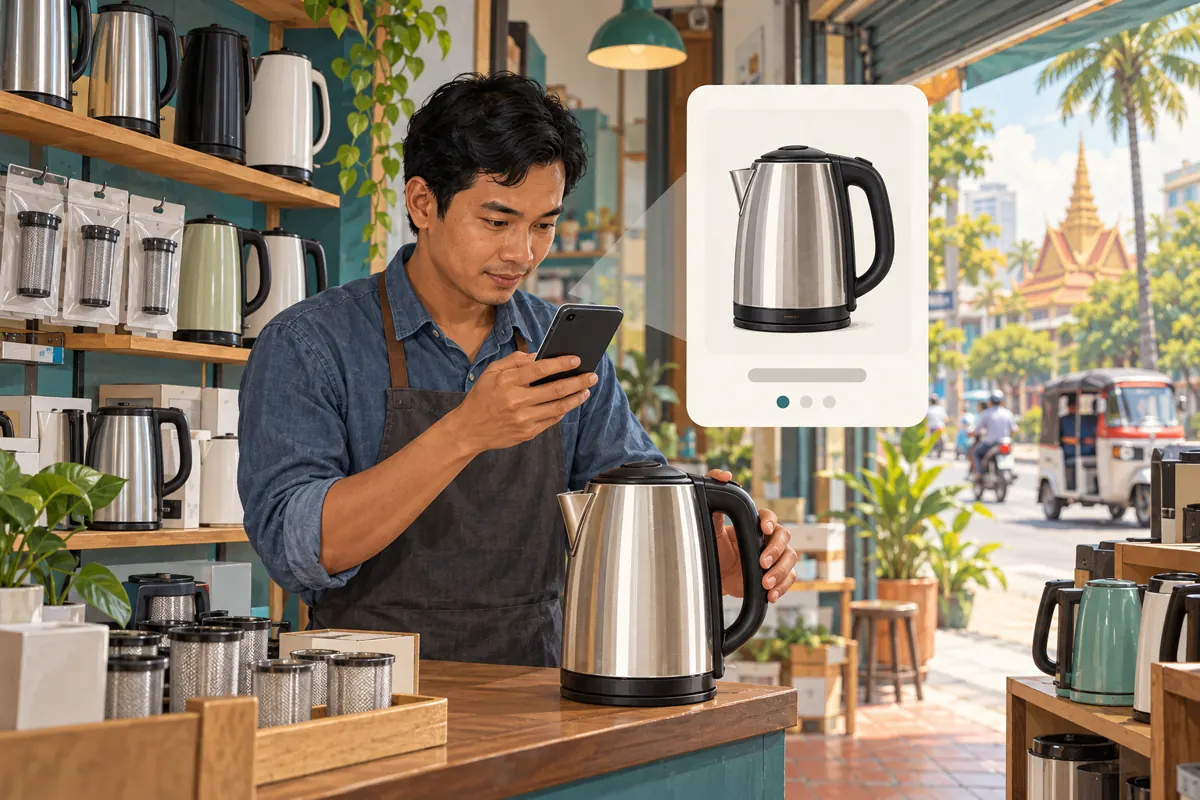
A Telegram post can describe a complete electric kettle while its link preview shows a replacement filter. Both products may belong to the same shop, but the combination leaves readers uncertain about what is actually offered. For a Cambodian appliance seller handling product questions between counter visits and deliveries, that uncertainty creates avoidable work. Before considering promotion through an SMM panel, make the message, preview and destination tell the same story. This workflow uses a hypothetical kettle shop in Phnom Penh to explain how to select a useful preview, check the page behind it and judge the resulting enquiries without treating purchased engagement as customer demand.
1. Decide which buying question the post should answer
Begin with a specific customer task. Someone replacing a damaged filter needs compatibility information. Someone choosing a complete kettle needs to understand the model, included components and how to enquire. Combining those tasks in one promotional message can make even an accurate photograph ambiguous. Write a private planning sentence before drafting: this post helps a reader identify the complete kettle available from our shop.
For the hypothetical Phnom Penh shop, the main destination is the kettle's individual product page. A filter guide is supporting information, not the main offer. If staff actually want to promote replacement filters, reverse that priority and write a separate message. This decision determines which image should attract attention and which link deserves the preview.
2. Understand what Telegram's preview controls change
Telegram's official link-preview guidance describes controls for choosing which link receives a preview when a message contains several links, adjusting the preview media size, and positioning the preview above or below the message. It also explains that tapping the preview area opens the link. These are presentation controls; checking the destination remains a separate editorial task.
Use those controls to support the message's purpose. In your draft, examine the available link settings and compare the resulting layouts before sending. Interface details can differ, so focus on the outcome: the intended page is represented and the message remains understandable. The official reference is Telegram's “Replies 2.0, Adjustable Link Previews, Name Colors and More,” included in the sources.
3. Prepare the product page before designing the post
Open the proposed destination as a visitor. Confirm that its product name, photograph and description refer to the same kettle. Check whether the pictured base, filter and other accessories are included or merely shown for context. If a visitor must choose a model or variant, ensure the post explains that choice instead of presenting a general catalogue page as a specific offer.
For Cambodian customers, practical details may include the pickup area, delivery coverage and the language available for enquiries. State only arrangements the shop can fulfil. If the page lists a price, make its currency and scope clear. A product price and a delivered total are different pieces of information. Resolve contradictions before sharing; a polished preview cannot repair a confusing destination.
4. Choose the preview that matches the main action
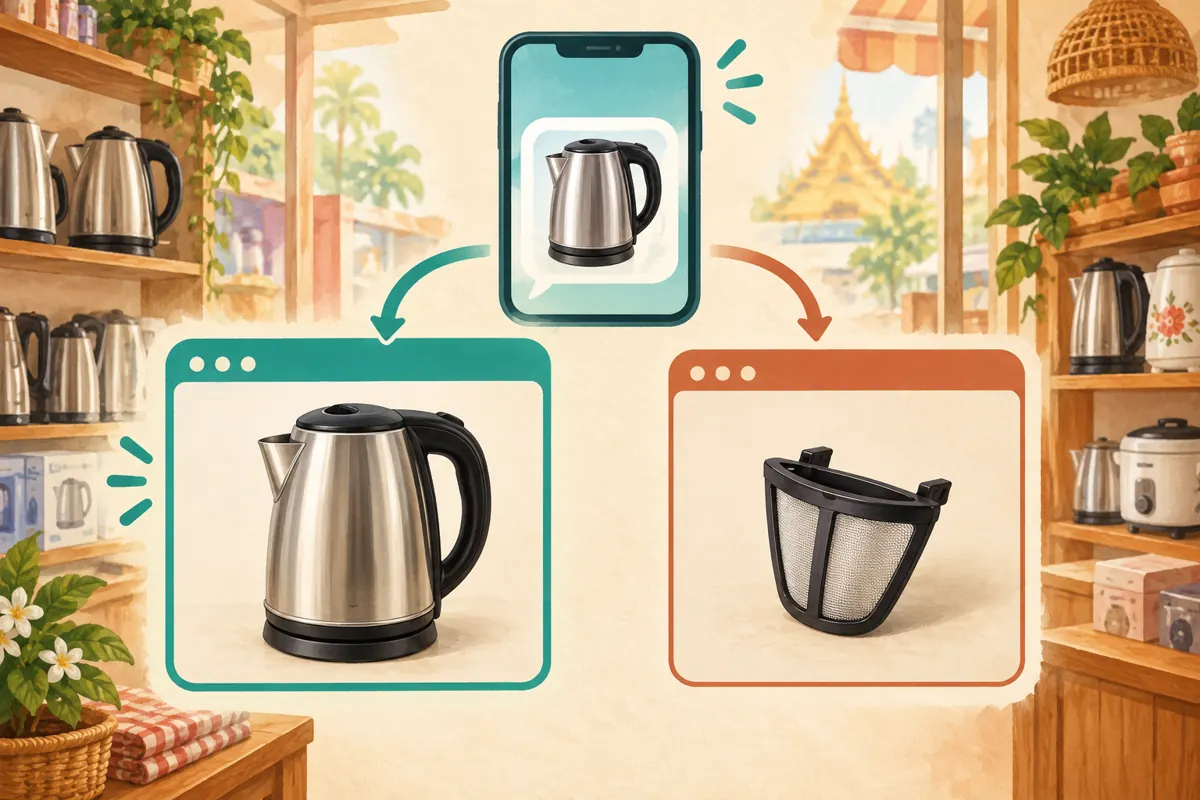
Suppose the hypothetical draft contains a kettle product link followed by a replacement-filter guide. Review which destination the preview represents. If the post invites readers to inspect the complete kettle, select that product link for the preview. Do not choose the filter guide simply because its image looks sharper. Visual appeal is useful only when it helps readers understand the offer.
Label each destination in the surrounding prose. A phrase such as “Complete kettle details” gives a different expectation from “Replacement-filter compatibility.” Keep the main action near the relevant link. If the secondary guide adds more confusion than value, move it to a separate educational post. Readers should not need to open both destinations to discover which item the shop is promoting.
5. Give essential terms a place in the message
Write the post so it still makes sense when someone reads only its text. Include the product identifier and any distinction essential to the offer, such as complete unit versus replacement part. Avoid relying on a small preview image to communicate what is included. An attractive kettle photograph may show several components without explaining which ones the customer receives.
A hypothetical draft could say: “Complete kettle, model K-A. See the product page for included components. For replacement filters, use the separate compatibility guide. Send the model reference when enquiring about pickup.” K-A is an invented example, not an available product claim. For a Khmer-speaking audience, have a fluent colleague write and review the actual message in Khmer while retaining genuine model codes accurately.
6. Choose the layout by reading order
Ask what the reader needs to understand first. When a qualification is essential, such as a filter being sold separately, make that qualification prominent in the message. When the item's shape helps identify it, give the product image enough room to remain recognisable. Treat layout as a way to guide comprehension rather than a promise of greater reach.
Read the draft on a phone at ordinary viewing size. Can someone distinguish the complete kettle from the small filter without enlarging the screen? Can they find the product reference and next step? Ask a colleague to describe the offer in their own words. If they identify a different item, revise the copy or preview before discussing promotion budgets.
7. Test the actual route from preview to enquiry
Use a private staff test message to inspect the reading experience before approving the public version. Open the preview and each supporting link separately. Check that the expected page loads and that its visible content matches the promise. Where practical, repeat the check on another phone without the shop's website account signed in. A page that works for its editor may still present obstacles to visitors.
Continue through the enquiry route without submitting a fictitious customer order. Confirm that a reader can identify where to ask about availability and what information to provide. For the kettle example, the model reference may be enough to start a conversation. For a filter, a clear model-label photograph may be necessary. Ask only for information that helps resolve the product question.
8. Resolve misleading previews before adding promotion
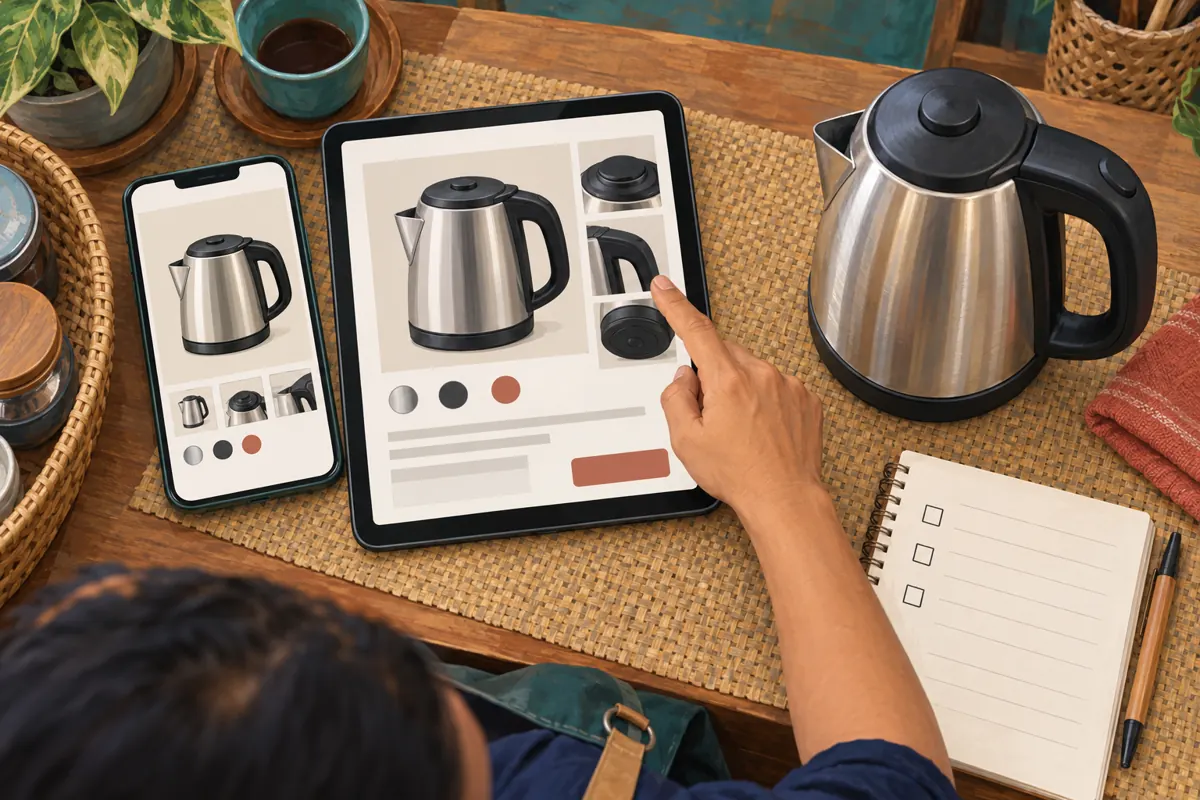
If the preview shows an outdated image, first compare it with the page itself. An incorrect destination requires a link correction. An outdated product page requires a content correction by whoever maintains that page. Record the observed problem precisely: for example, the message promotes a complete kettle but the preview image depicts only the filter. This is more useful than reporting that the post looks wrong.
After a correction, inspect a fresh draft and the public message before proceeding. Do not promise that a website edit will immediately change every existing preview. If the presentation remains misleading, delay promotion and prepare a clearer version. Keep any necessary qualification in the message itself so readers are not forced to discover it after opening the page.
9. Keep the SMM service scope separate from the preview
The supplied smm-cambodia.com catalogue example “Telegram - Post Views - [ LAST 5 POST ]” is relevant to reviewing recent channel content. Its supplied category is “Telegram views - [Bot Account Old posts],” and its description is empty. Those details do not establish delivery timing, Cambodian audience origin, website visits or enquiries. Confirm the current service terms and target requirements before making any purchasing decision.
The wording “LAST 5 POST” also creates a practical review question: which posts would be included, and when is that selection determined? The supplied brief does not answer it. If a service could cover several recent posts, review their destinations as well as the new kettle message. Ask support to clarify unresolved scope before submitting; do not assume a preview adjustment changes an existing service request.
Purchased engagement is not evidence of genuine interest, sales, ad delivery or Cambodian users. A service record cannot establish that anyone opened the kettle page or understood the offer. If the business needs product enquiries, decide whether this service type contributes anything useful to that objective. Choosing not to order is a reasonable outcome when the documented scope does not meet the need.
10. Review comprehension without inventing attribution
After publication, record the questions people actually ask. Separate requests about complete kettles from requests about replacement filters, and note misunderstandings about included items. These observations can guide the next edit. A recurring question about whether the base is included suggests that the offer needs clearer wording, regardless of the post's visible engagement.
Keep publication notes, any SMM order records and customer enquiries in separate fields. If an enquirer voluntarily identifies the post they followed, record that statement accurately. Otherwise, leave the source unknown. Do not divide a view total by enquiries and present the result as a reliable conversion rate when the measurements do not describe the same audience or journey.
Common mistakes include featuring the most attractive secondary link, leaving old terms on the destination page, and changing several elements before reviewing what confused readers. For the next comparable post, change one communication choice where practical. You can learn whether staff and customers understand the offer more clearly without claiming that a small informal comparison proves a platform performance effect.
Frequently asked questions
Should a kettle post contain both a product link and a filter guide?
Only when both help the same reader complete the immediate task. Make the complete product the clear focus if that is the offer, and explain why the guide is included. If buyers need different information or staff receive mixed enquiries, separate the subjects into two posts with distinct destinations.
Does choosing a larger preview guarantee more enquiries?
No. Choose the presentation that makes the product easier to identify and leaves essential terms easy to read. A clearer image can support understanding, but it does not establish buying intent. Review actual questions and confirmed business records rather than assuming a visual change produced sales.
What if the shop has no individual product webpage?
Do not invent one or describe a broad catalogue as an exact product destination. Use the existing page only if readers can reliably locate the item, and provide the product identifier in the message. If that route is confusing, prepare a self-contained product post and a clear enquiry method before promoting it.
Can a Telegram post-view service show whether people clicked the preview?
The supplied service example does not document click reporting. Its title concerns post views, which should not be interpreted as website visits. Where the shop has suitable website reporting, review that separately and acknowledge its attribution limits. Never relabel purchased post engagement as customer traffic.
What should staff do if the preview looks correct but buyers still ask about the wrong item?
Review the opening sentence, product photograph and destination together. The preview may be accurate while the message leaves the offer unclear. Ask what led the reader to expect a filter rather than a kettle, then address that specific ambiguity. Preserve essential qualifications in the post instead of hiding them in a linked guide.
Explore the current service catalogue, create an account, or ask a specific question through support tickets.
Prepared with AI assistance. Illustrations explain the workflow and do not represent customer results.